
Beyond expensive redesigns, new copy, or another round of A/B testing, there’s one small thing that can significantly improve registration conversion rates. A feature already built into the operating system that your app might not be using. It’s called Password Suggestion.
Recently, we introduced passkeys – passwordless login using Face ID or Touch ID. From a product perspective, that’s clearly the direction we’re heading: more secure, phishing-resistant, and free from password resets.
But once you look at how passkeys actually work in everyday situations, you’ll run into one uncomfortable detail: most of your users aren’t early adopters.
So in this article, we’re taking one step back and looking at the foundation of authentication that works for everyone, from tech enthusiasts to people who still believe the safest password is their cat’s name followed by their birth year.
Where you're losing users without even realizing it?
Picture the moment when a user is ready to get started. They download your app, go through onboarding, reach registration… and stop at the password field. Not because they don’t want to continue, but because they don’t want to come up with a password. And even if they do, remembering it becomes another problem.
From a security standpoint, we’re asking users to do the right thing: don’t reuse the same password everywhere. But in practice, we often don’t give them tools that actually make this easier. So users choose the lesser evil: either simplifying their password or reusing one they already know.
According to long-term Baymard Institute Checkout UX research, nearly one in five users abandons a process because they can’t access an existing account. Typically, this happens because they created a complex password during registration, forgot it, and ended up resetting it.
Passwords as unnecessary friction
Password fields are often where registration starts to break down. Users hit rules like: “Your password must contain an uppercase letter, a number, a symbol, and at least one ancient Greek character.” They try something. Rejected. Try again. Rejected. After a few attempts, it stops being about security and starts becoming a test of patience. Users begin mentally assembling combinations that might pass validation while secretly hoping they won’t need to remember them for more than a few minutes. In the best-case scenario, they resist the temptation to let their cat walk across the keyboard and solve the problem for them.
At that point, creating a password turns into cognitive load, arriving at exactly the moment when you want users to continue smoothly without friction.
The problem is that we often ignore what the system already offers.
The feature you already have (but might not be using)
Password Suggestion (or Password AutoFill) is a native operating system capability that does exactly what modern products should do: it removes the burden of password creation from users and handles it for them. The API itself is native and free, but implementation isn’t just a matter of “turning it on.” It usually takes about one sprint: Associated Domains, autocomplete attributes, aligning password requirements between client and server, QA testing on real devices.
Once everything is configured correctly, the flow feels natural:
- the user taps the password field
- the system automatically suggests a strong generated password
- the user confirms with a single tap
- the password is stored in Keychain or a password manager
- future logins happen automatically, often through biometrics
Users don’t need to invent anything, remember anything, or write anything down. And if they use multiple devices, the password follows them everywhere.
Impact worth measuring
If you track funnel metrics, this is one of those areas where relatively small investments can create surprisingly large improvements.
Password Suggestion directly affects:
| Metric | What changes | Estimated impact |
|---|---|---|
| Registration completion rate | more users complete registration | +10–25 % |
| Login success rate | more successful first-time logins | +15–30 % |
| Password reset requests | fewer “Forgot Password” flows | −30–50 % |
| Support tickets (auth) | fewer login-related issues | −20–40 % |
| Time to first action | faster first meaningful action inside the app | −15 to −30 s |
These ranges combine findings from multiple sources (Baymard, Forrester, Gartner, Zuko, HDI) together with internal benchmarks. The actual numbers for your product can only be validated through A/B testing.
In practice, we’re talking about improvements measured in double-digit percentages and seconds that determine whether users stay or leave.
If you use tools like Firebase, Mixpanel, or Amplitude, it also makes sense to track how many users rely on AutoFill versus manual password entry. That gives you visibility into actual adoption and helps identify what to optimize next.
When it doesn’t work, details are usually the problem
Password Suggestion isn’t truly plug-and-play if the login flow itself isn’t designed properly. We often see small details preventing the system from working as intended.
The most common issues are:
- Field order: Always show email/username first, then password. Systems identify fields by both order and type. Non-standard ordering can break AutoFill.
- Clear field structure: One field should have one purpose. Don’t combine email and phone number into a single field.
- Visible username during password changes: Even if read-only, it should remain visible on screen.
- Password visibility toggle: Even when passwords are filled automatically, users still want a sense of control.
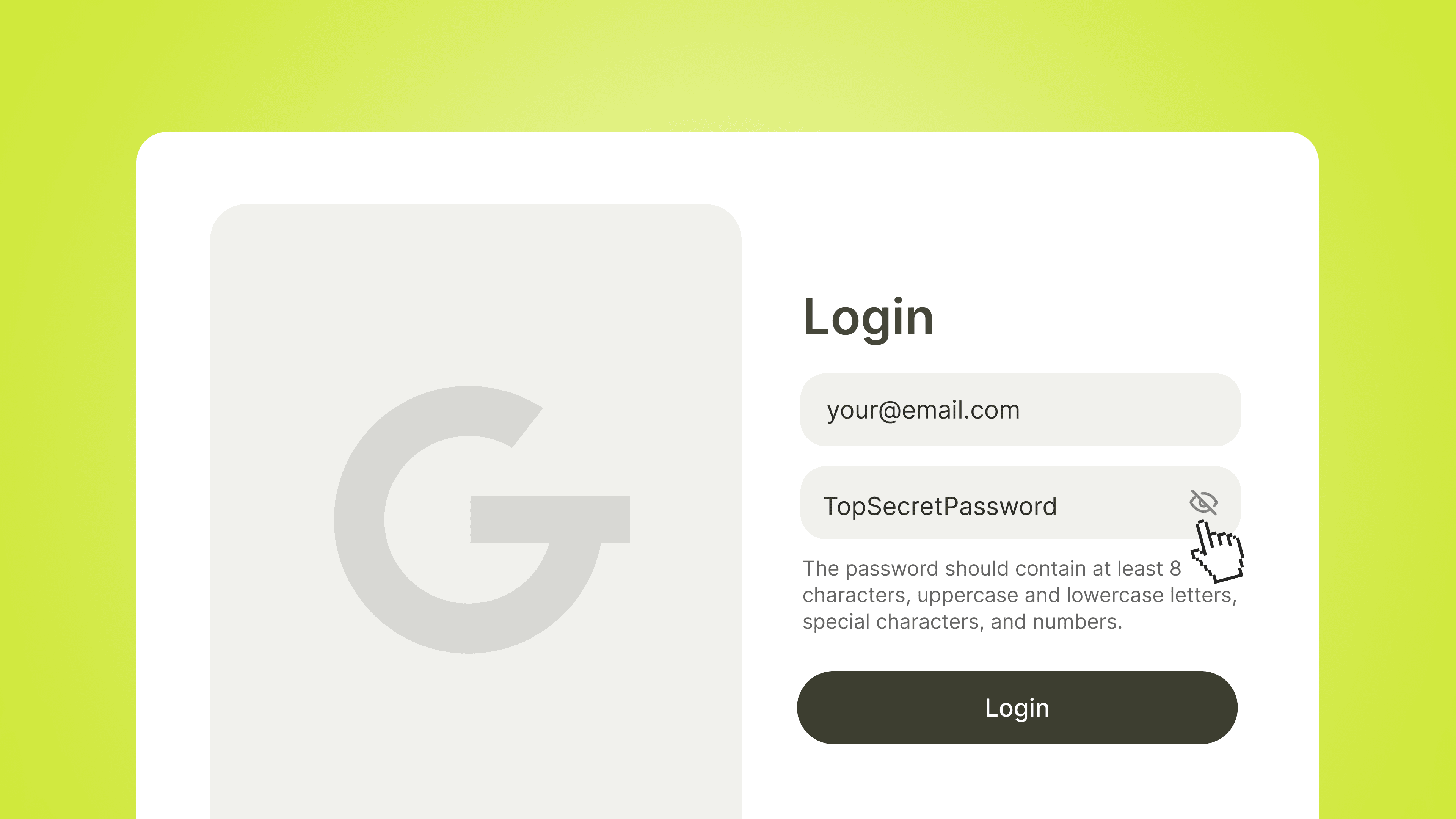
- Clear password requirements: If your password has rules (length, special characters, etc.), communicate them before users hit an error. Configure your implementation so generated passwords actually meet these requirements.
- Avoid interfering with the system keyboard: Custom keyboards or overlapping UI elements can hide AutoFill suggestions. Test registration flows on real devices before shipping.
They’re small things but they’re often where the experience succeeds or breaks.
Password reset is a symptom, not a feature
Password reset flows are among the most common sources of frustration in applications. Exact numbers vary between studies, but the trend remains clear: users end up here often and they don’t enjoy it.
Reduce the need to remember passwords, and you reduce the need to reset them. And with that, you eliminate unnecessary interactions that provide no real value to users.
Where things are heading
Password Suggestion improves today’s experience but long term, we’re moving toward an even bigger shift.
Apple, Google, and Microsoft are all pushing passkeys, an authentication model where passwords disappear entirely. Users arrive, verify themselves with biometrics, and they’re in. No rules, no resets, no thinking required.
For products, this means one thing: fewer steps between users and the value you’re trying to deliver.
But even if you implement passkeys tomorrow, Password Suggestion still matters. Most user bases naturally fall into three groups:
- Power users: they’ll enable passkeys immediately. For them, it’s an upgrade.
- The mainstream majority: they’ll try passkeys once. If something feels off during the first login (poor cross-device syncing, confusing system prompts, biometric interruptions) they’ll quietly switch back to passwords and never revisit passkeys again. For them, well-implemented AutoFill becomes the long-term default.
- Conservative users and legacy B2B environments: "I don’t need another new thing." Or they rely on shared accounts, kiosk devices, and audit requirements that passkey UX still doesn’t fully address. Without strong AutoFill implementation, they remain stuck in the world of "must contain @ or !" forever.
The detail that makes the difference
Product discussions usually revolve around big topics: new features, redesigns, roadmaps. But user experience often comes down to small details that remain invisible until you start measuring them.
The password field is one of those details.
If you get it right, users probably won’t notice. They’ll simply get where they need to go faster and with less effort. That’s the whole point: work that shows up in the numbers, not in the UI.