Self-service kiosks that shorten the line at BENU pharmacies and give customers back their privacy
Project overview
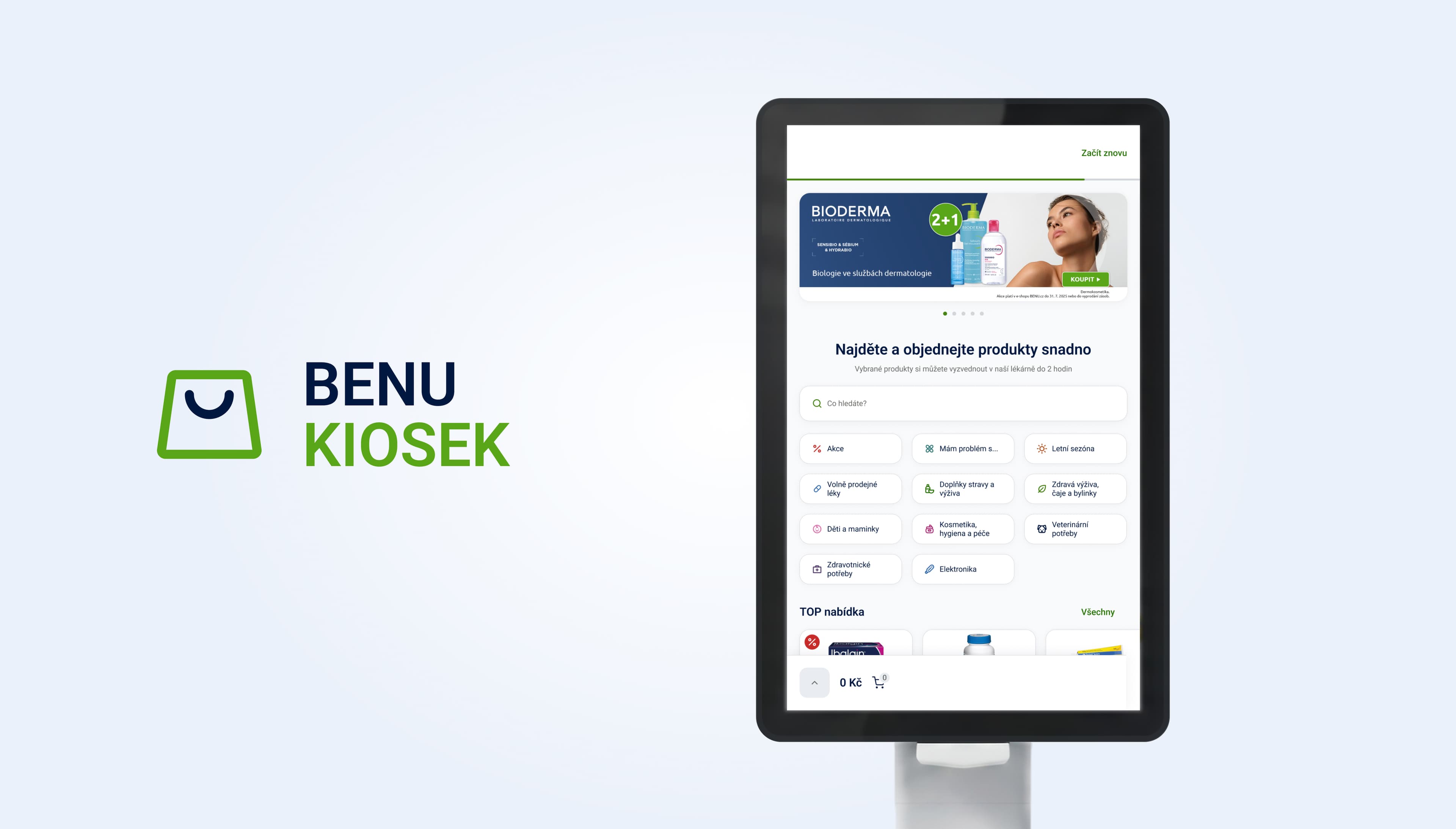
After collaborating on the BENU mobile app, we picked up right where the app naturally ends, right inside the pharmacy. BENU has long been building a strong digital experience for its customers, but it’s often the moment spent at the store that determines whether the entire experience truly lives up to the “fast and convenient” promise. People go to the pharmacy to address a specific issue right then and there, often feeling stressed and often with a concern they don’t want to voice out loud in front of a line of people.
Our task was not to replace the pharmacist, but to bring a digital experience to the store that gives customers more peace of mind, privacy, and independence, while naturally fitting into how the pharmacy actually operates. For BENU, we designed and built a self-service kiosk for customers and a tablet app for the pharmacist at the counter, both as production-ready Android apps based on the same data and UX logic as the existing BENU app.
01Brief
Challenge
We asked ourselves one question: How can we bring the digital ease and privacy of the app directly to the branch so that customers can resolve the most common issues on their own, with just a few taps, without having to explain the details out loud at the counter?
The answer couldn’t be figured out at a desk. A branch has its own dynamics: noise, movement, people waiting, limited time, changing lighting conditions, and completely different types of customers. The solution had to work just as well for a 70-year-old woman with a prescription as it did for someone who quickly popped in during their lunch break to pick up some headache medicine.
02Solution
What we've done
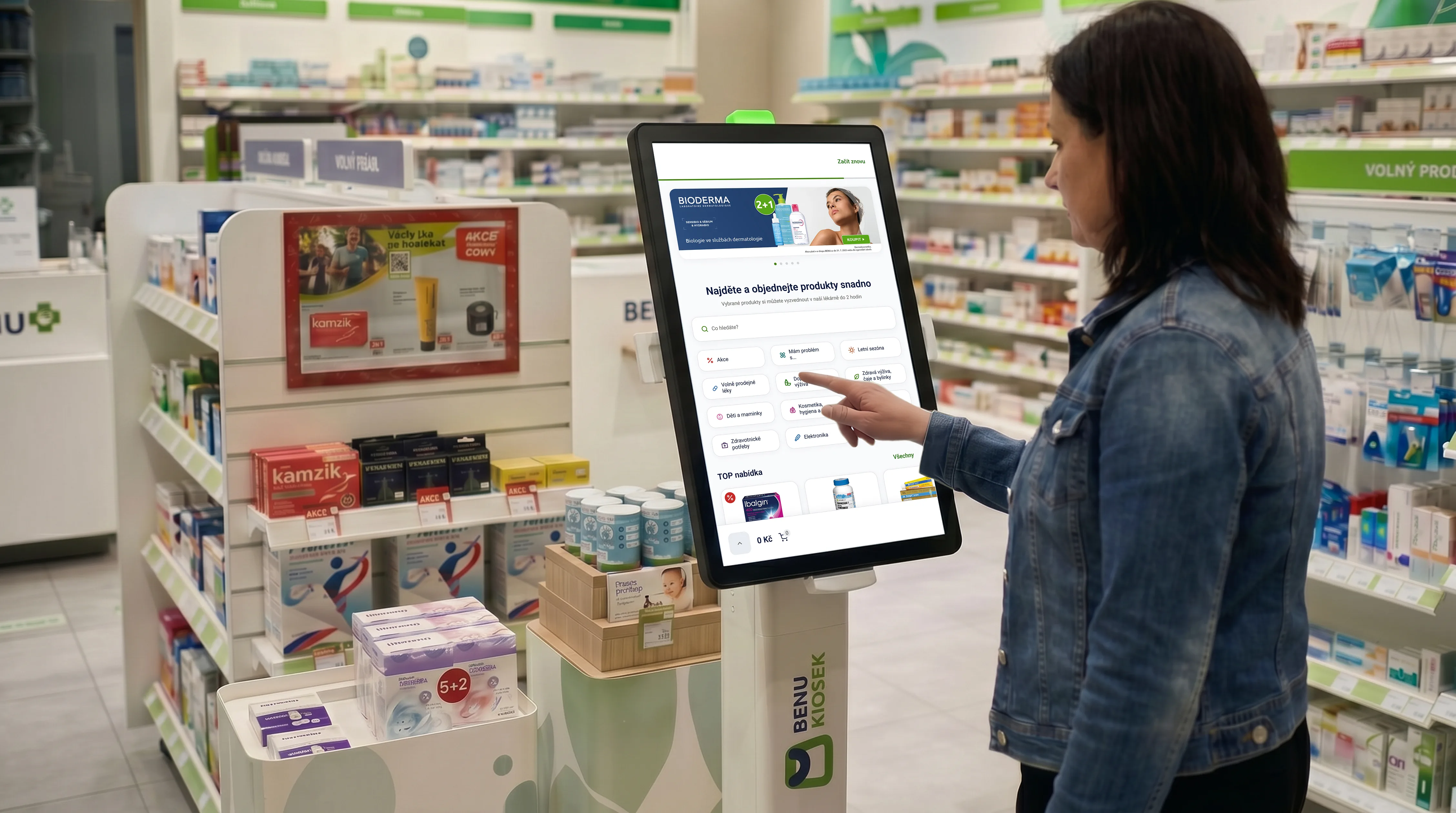
The principle is similar to that of an ATM. Customers handle routine and repetitive tasks on their own, at their own pace, and in privacy. This frees up the pharmacist to focus on matters requiring professional advice, allowing them to step away from the counter. We’ve applied this exact principle to the pharmacy environment for BENU.
The kiosk allows customers to independently check product availability, place a reservation or order, and complete the transaction without having to explain the details at the counter. The tablet, in turn, assists the pharmacist in situations where a product is not available at the branch. Instead of the customer leaving empty-handed, the pharmacist can place the order right there during the interaction, and the customer leaves with a clear plan for what will happen next.
GoodRequest covered the entire cycle. From product discovery through UX/UI design and microcopy to defining requirements, edge cases, and the actual Android development for both devices. Thanks to this, we were able to continuously test design decisions directly on the target hardware, not just in a prototype.
The problem we were addressing
How we designed and built the kiosk for real use
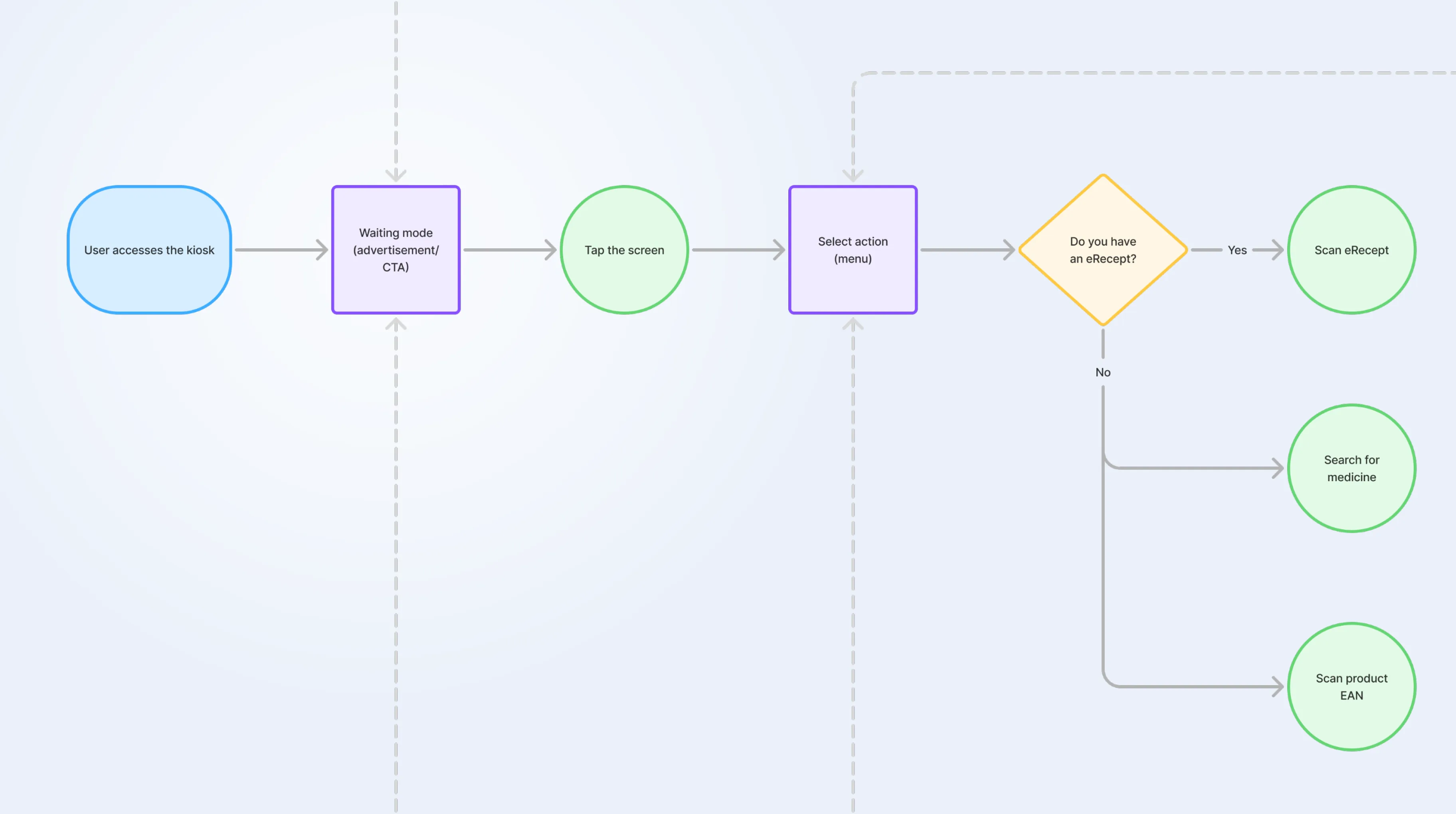
We mapped out a typical customer journey right at the branch and looked for moments where minor obstacles and ambiguities pile up. “Where should I go?”, “What should I enter?”, “Did that work?”, “What happens now?”. In a noisy public setting, all it takes is one confusing screen for the user to turn back to the staff. This closes the loop, and the kiosk loses its purpose. So the goal wasn’t simply to build a kiosk, but to build one that would actually help the customer accomplish what they came to the pharmacy to do.
03Design
Design principles
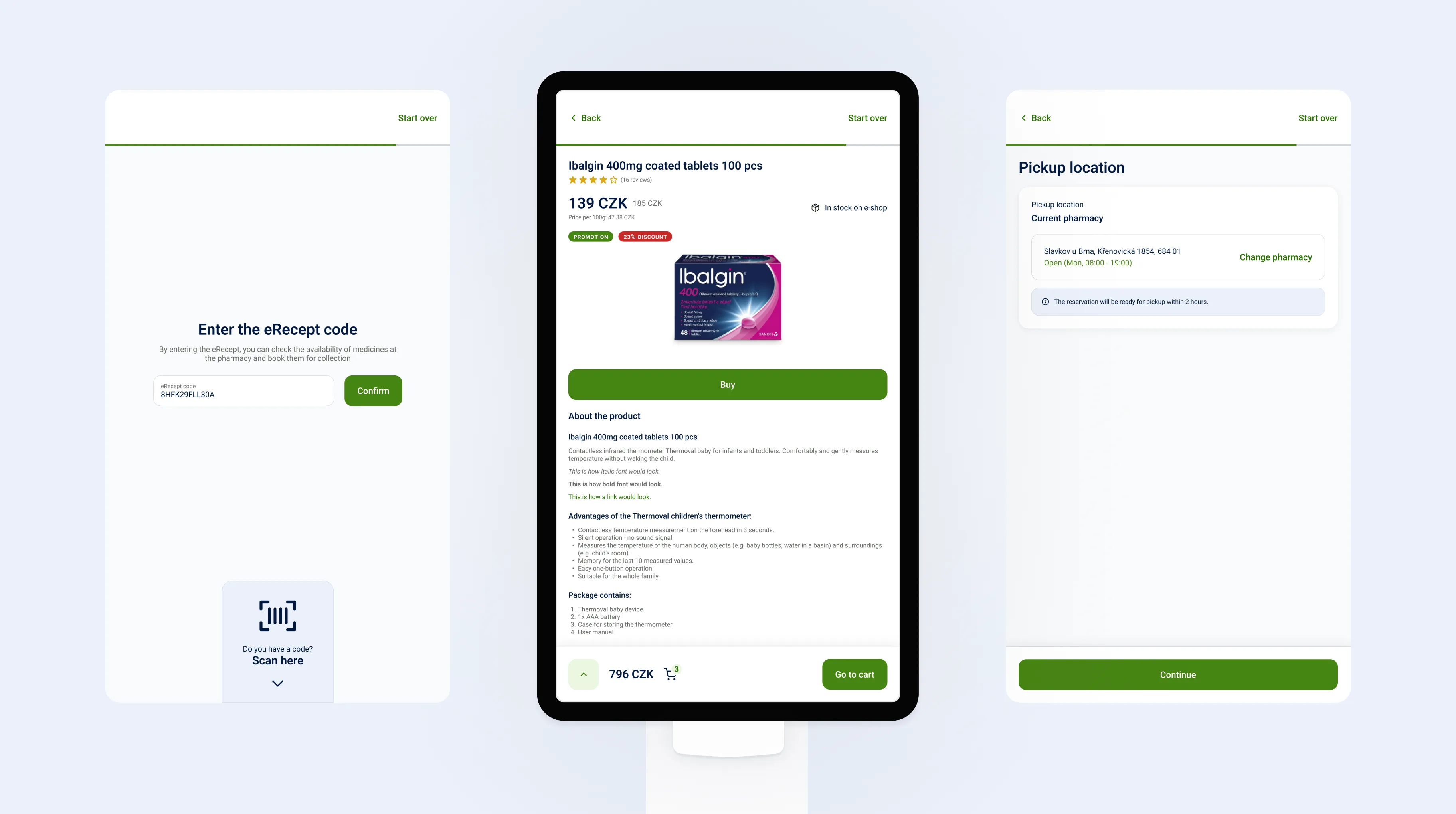
The entire product is based on a few simple principles. The interaction is designed for use while standing, so key actions are within arm’s reach; the font is large and high-contrast; and the UI is easy to navigate even at a glance, without having to “settle in” as one would with a phone. Each interaction with the kiosk is brief, because people want to complete their task and leave, not linger. Each screen has only one primary goal, which reduces decision fatigue and prevents the user from getting stuck. And the user receives clear feedback after every step, so they never have to guess whether the kiosk has registered their input.
We fine-tuned the microcopy individually. The text is calm, concise, and supportive, especially when dealing with sensitive topics. It uses phrasing that both reassures (“You’re in the right place”) and guides (“Here’s what happens next”). In a place like a pharmacy, language is just as important as the button layout.
Most common scenarios
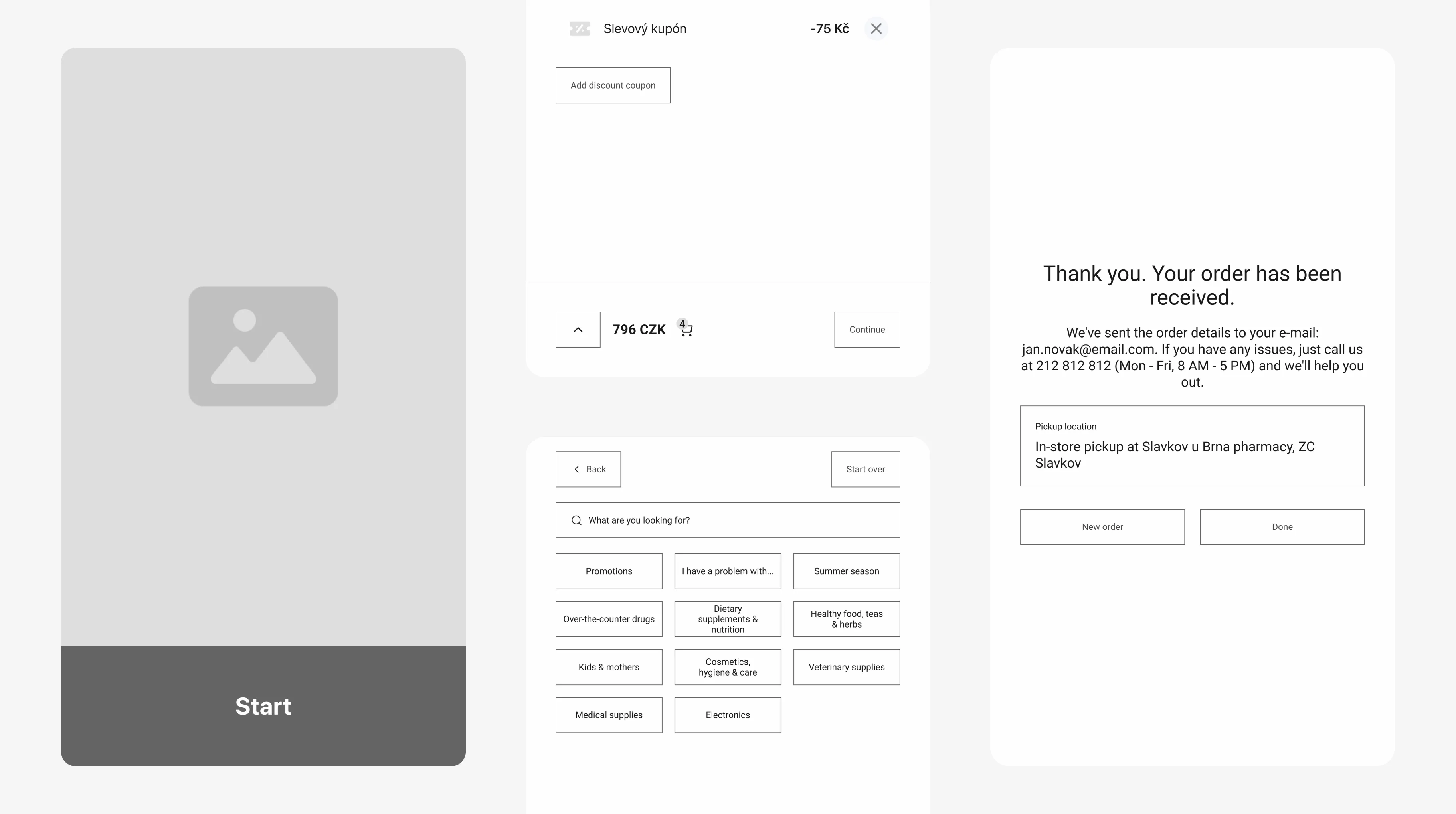
In practice, kiosks and tablets are most commonly used in two main situations. For over-the-counter (OTC) products, customers can quickly find a product or alternative, check availability, and place an order without waiting at the counter. For prescription medications, where sensitivity and delays are highest, the workflow handles availability verification, prescription validity checks, and secure data entry so that explanations at the counter are kept to a minimum.
How the kiosk and tablet work together
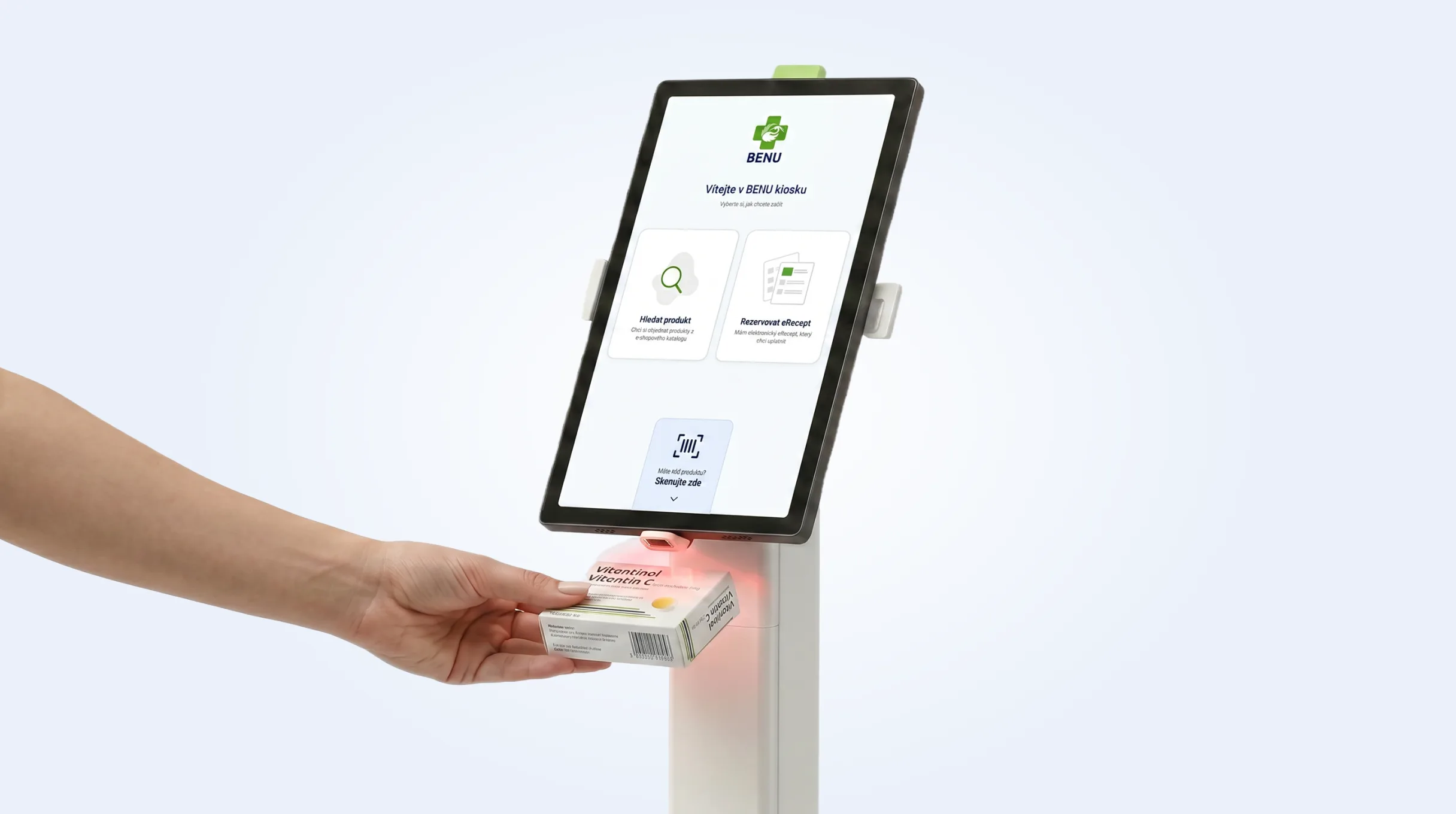
The kiosk gives customers independence, while the tablet gives the pharmacist a tool to turn unavailability into a plan. When the store is busy, the kiosk takes the pressure off the line, and customers have a clear path to handling things on their own. When there’s space, the kiosk naturally transforms into a small “product corner” where the pharmacist can quickly show available alternatives without a round of questions or running around the store. And if something isn’t in stock at the branch, the tablet helps place an order right there during the service, so the visit doesn’t end in disappointment and the customer doesn’t have to go to other, often competing, pharmacies in the area.
04Delivery
Availability and delivery
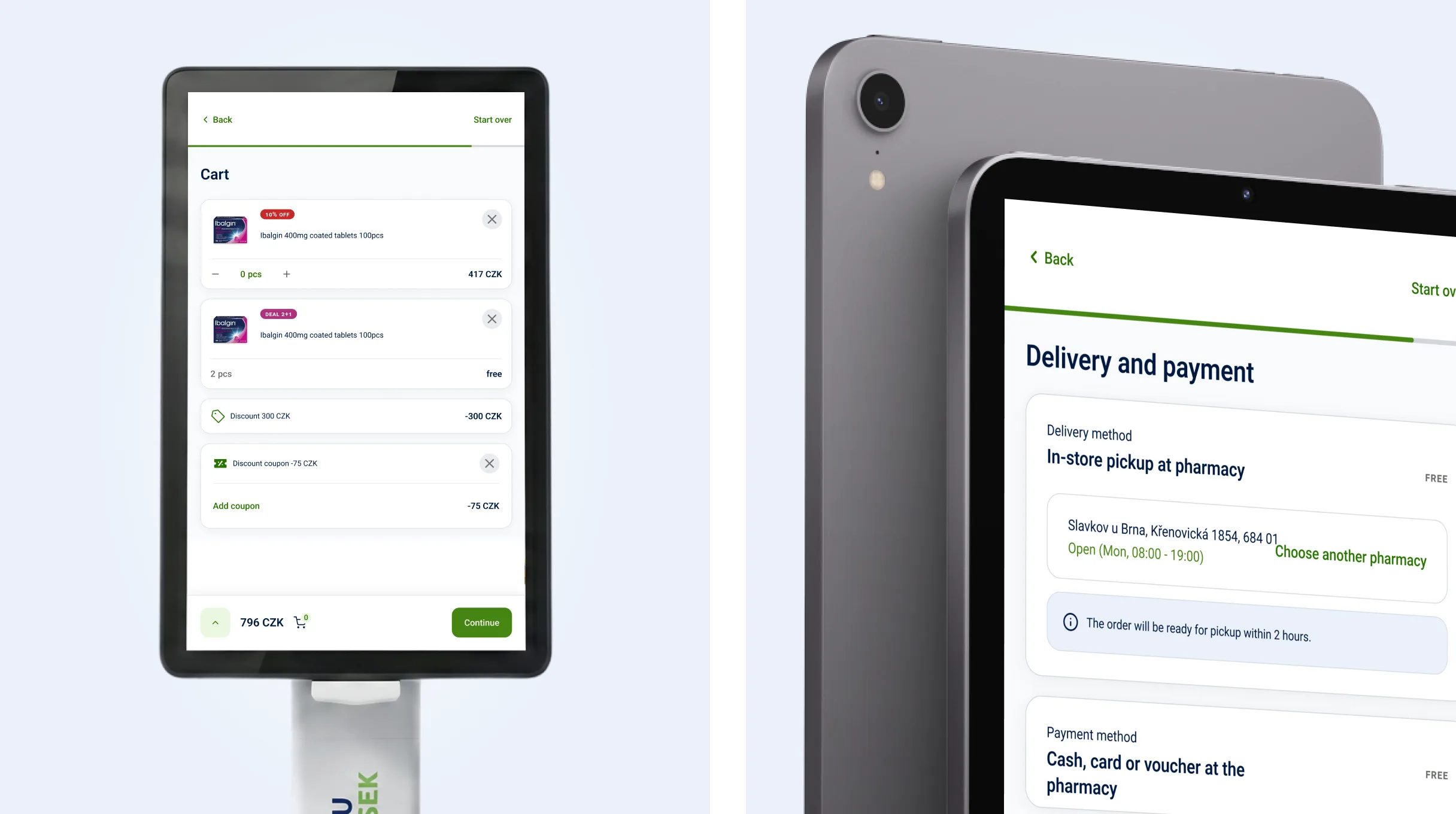
Both the kiosk and the tablet are used to check availability and then make a reservation or place an order. They are not designed for “instant pickup,” nor do they attempt to be. In practice, this means that if a product is in stock at a branch, it is typically ready within two hours. If it’s not at the branch and needs to be shipped from the central warehouse, the order usually arrives the next day. We clearly highlight this difference in the UI as well, so that the customer has realistic expectations rather than a promise that can’t be kept.
Safety and privacy at the pharmacy
Since the kiosk is located at a branch and handles sensitive data, privacy and security were built into the design from the very beginning, not just tacked on at the end.
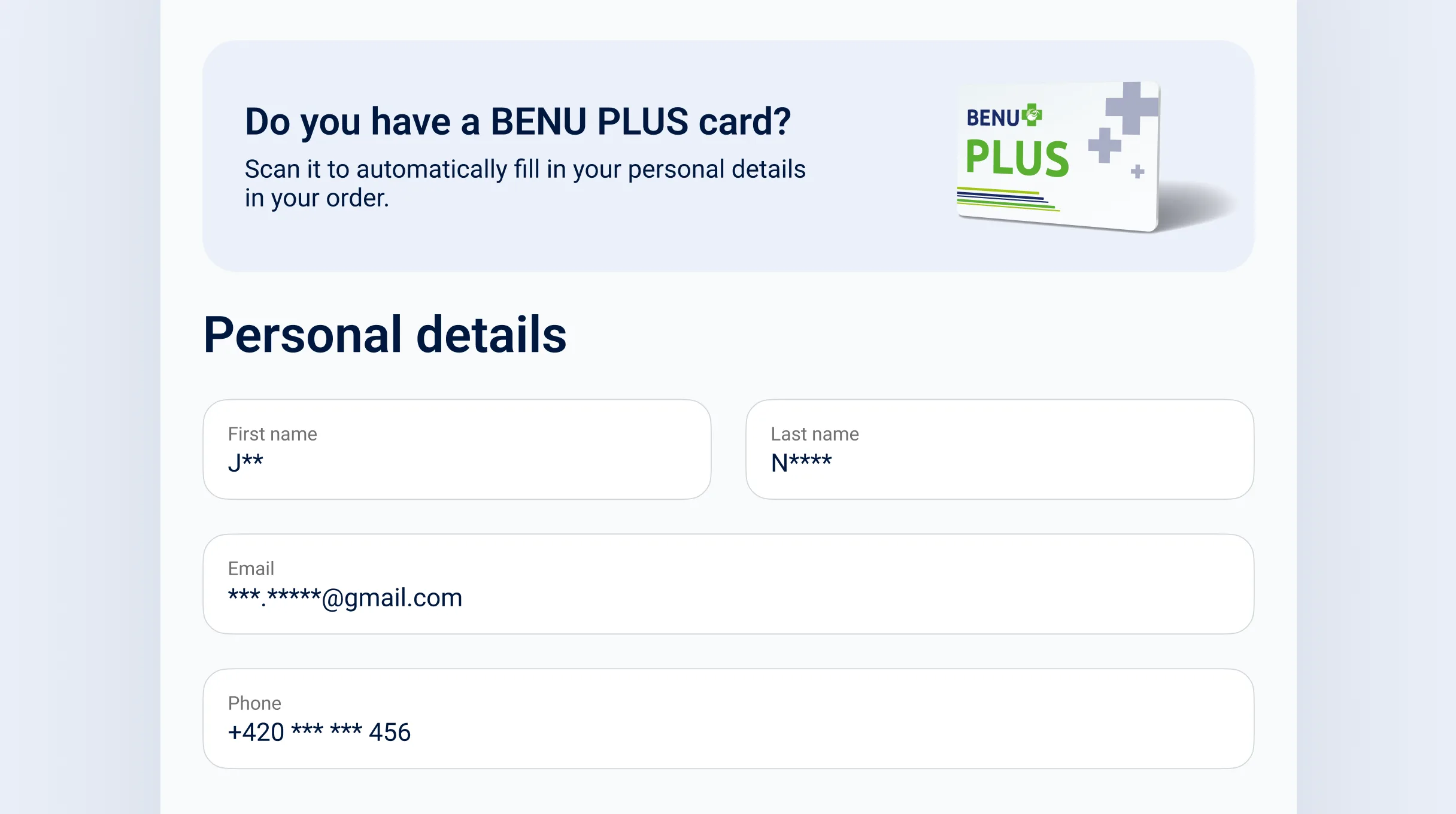
Data is pre-filled using a loyalty card. The built-in card reader eliminates the need for customers to enter sensitive information manually, which is more convenient and, above all, safer in an environment where people are constantly moving around them. Even so, the data on the screen is displayed in an anonymized form (e.g., “J** N****”), so no one nearby sees more than they should.
The session has its own timer. If the user stops interacting, the kiosk automatically locks after a short time, the in-progress reservation is canceled, and the kiosk returns to standby mode. Even if a person walks away from the kiosk or is interrupted by someone else, their data will not remain “open” for the next visitor.
There’s also an “emergency” reset button that allows you to safely restart the flow at any time. And one detail that’s often overlooked: the kiosk doesn’t store search history, which is especially important for products and topics that people don’t want to leave “on display” for the next person to see.
What it took to actually build it
We were also responsible for ensuring that the design could actually be built, integrated with existing BENU systems, and operated on the pharmacies’ target hardware. We built the kiosk and tablet applications for BENU as production-ready Android apps. The design and development phases did not follow one another in two separate stages, but were carried out by a single team. This allowed us to continuously verify how the system behaved on the target hardware, how it responded to weaker connections, how the loyalty card reader worked in a real pharmacy, and where the workflow would “break down” under the pressure of actual operations.
This allowed us to make decisions based on what we saw directly on the device, rather than on assumptions about how it might behave.
05Conclusion
Results and impact (prerequisites for the pilot)
The goal wasn’t simply to “have a kiosk,” but to make the pharmacy visit a more relaxed experience for both customers and staff. We expect that some of the recurring requests will be handled away from the counter, which will help the line move more smoothly and allow the pharmacist to focus on tasks that can’t be handled via self-service. Customers should enjoy greater privacy when discussing sensitive topics, a consistent experience across the app and the kiosk, and fewer moments when they’re unsure of what to do next.
For BENU, the solution also means preparing to scale to other locations without risk, since the rules, edge cases, and language are all defined uniformly. Technologically, the entire solution is modular, so both the kiosk and the tablet can be gradually expanded with new features and integrations without having to rebuild the product from scratch.
Ready to start a project?
Let's build together.
Schedule a call or send an email.
Contact usNot sure where to start? Download our product brief template.